

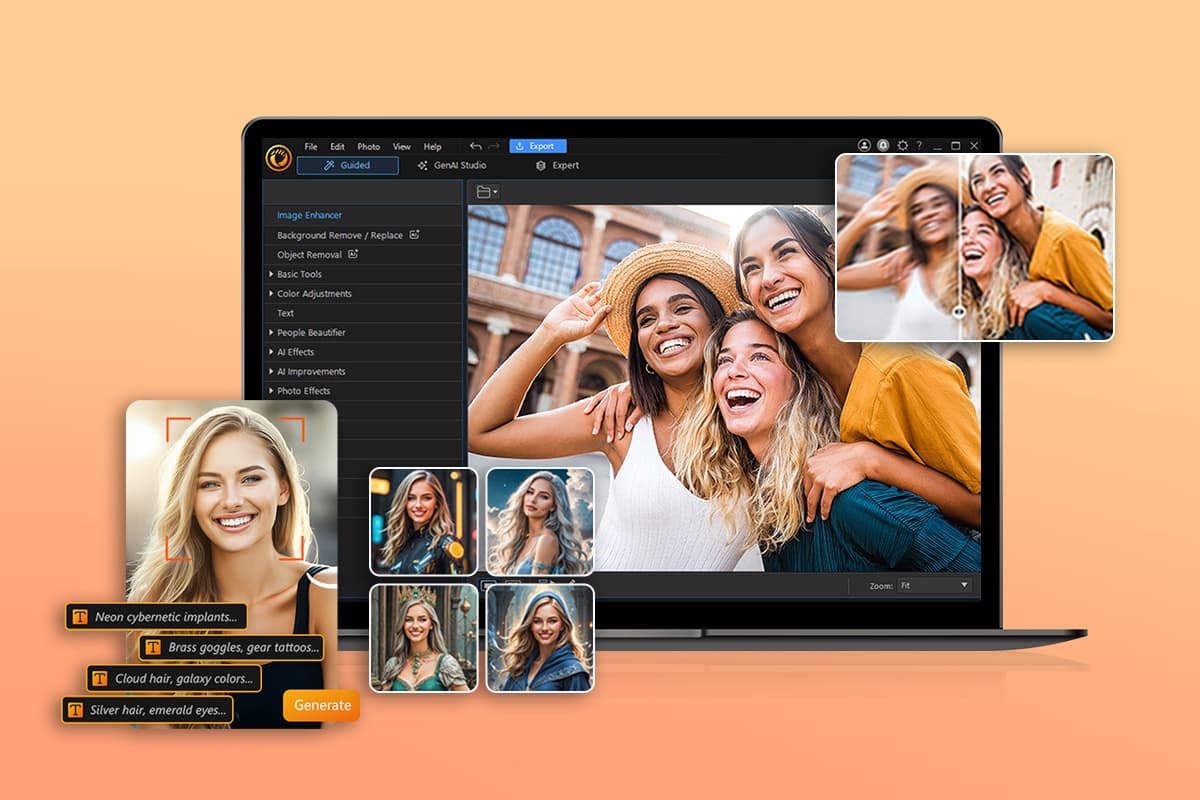
If you need to clean up, sharpen, or completely transform a photo without downloading software or hiring a designer, you are not short on options. This article is for content creators, small business owners, social media managers, and everyday users who want to quickly edit images online and need to figure out which tool actually fits their workflow. By the time you finish reading, you will have a clear set of criteria for evaluating any online photo editor and a solid shortlist of the types of tools worth your attention.
The market for browser-based photo editing has expanded significantly over the past few years. AI-powered features have moved from novelty to standard, and tools that once required a subscription or a steep learning curve are now largely free and intuitive. The challenge is no longer finding a tool; it is choosing the right one.
What to Look for in an Online Photo Editing Tool
Before jumping into specific services, it helps to know what separates a genuinely useful tool from a flashy one that falls apart when you actually need it. Here are the most important criteria to evaluate:
- Background Removal Quality
The accuracy of background removal is one of the clearest ways to judge how well a tool handles AI processing. A good tool should cleanly detect the edges of hair, clothing, and irregular shapes without leaving a halo effect or cutting into the subject. Test any tool you are considering with a complex image, such as a person with curly hair or a product sitting against a busy surface. One-click removal is the baseline expectation; edge-refinement controls are a meaningful upgrade.
- Image Enhancement and Upscaling
Enhancement tools vary widely in quality. Some tools only let you drag brightness and contrast sliders; others use AI to sharpen details, reduce noise, and improve overall resolution. If you regularly work with photos taken in low light or images exported at low quality, look for a tool that includes an AI sharpen or unblur feature specifically, not just basic exposure adjustments.
- Manual Adjustment Controls
Even with AI doing the heavy lifting, manual control matters. You should be able to fine-tune brightness, contrast, saturation, highlights, shadows, and sharpness independently. A tool with only preset filters will quickly feel limiting, especially for product photography or professional headshots where precision is important.
- Export Quality and File Format Options
Check what file formats the tool exports, and whether the free tier downgrades your output resolution. Many tools will process your image well but export it at a compressed size unless you pay. If you need print-quality images or transparent PNG files, confirm that the tool supports those outputs on the plan you intend to use.
- Ease of Use Without Design Experience
Not everyone using these tools is a designer, and the best online editors account for that. Look for a clean interface, obvious labeling, and a workflow that does not require you to understand layer-based editing or color theory to get a usable result. If a tool requires significant tutorial time before producing a single clean image, it may not be the right fit for quick editing tasks.
- Speed and Browser Performance
An online tool is only as good as its responsiveness. Tools that run slowly, frequently reload, or crash on mid-sized images will cost you more time than they save. If you are editing in bulk or working under a deadline, performance is not a minor consideration. Look for tools that process images in seconds, not minutes.
- AI-Powered Object Removal and Editing
Beyond background removal, more advanced tools now let you remove specific objects from a scene, fill in areas with generated content, or swap out backgrounds entirely. This is especially valuable for product photos where a distracting element needs to be cleaned up, or for creative content where you want to place a subject in a completely different environment. Not every tool handles this feature gracefully, so test it before committing.
- Templates and Post-Editing Design Capabilities
Some online editors stop at photo correction. Others let you take your enhanced image and immediately drop it into a social media post, business flyer, or presentation template. If your goal is to go from raw photo to finished content in a single session, a tool that bridges photo editing and design creation is significantly more efficient than one that requires you to download and re-upload your file into a separate platform.
Types of Online Photo Editors Worth Considering
Not all online photo editors are designed for the same user or the same kind of work. Understanding the main categories helps narrow down your options quickly.
Dedicated Background Removal Tools
These services are built almost entirely around one feature: removing backgrounds from images cleanly and quickly. They tend to excel at edge detection and often handle complex subjects like hair and transparent objects better than general-purpose editors. They are useful when you have a high volume of product or portrait images to process and need consistent results without any additional editing steps. The limitation is that they rarely offer broader enhancement features, so they tend to be one stop in a longer workflow rather than an end-to-end solution.
General-Purpose Browser-Based Photo Editors
These tools offer the widest range of features: color correction, cropping, filters, text overlay, and often some level of AI enhancement. They are the closest browser equivalent to desktop editing software. The trade-off is that the interface can be more complex, and the AI features are sometimes secondary to the manual toolset. If you are comfortable with basic photo editing concepts and want more control, these tools offer the most flexibility.
All-in-One Design and Photo Editing Platforms
This category combines photo editing with design creation. You can enhance an image and then immediately use it in a template for social media, marketing materials, or print. These platforms tend to prioritize ease of use and speed, making them particularly well-suited for small business owners and content creators who need polished visuals without a dedicated design team. The photo editing features may be slightly less granular than a dedicated editor, but for most everyday use cases, they are more than sufficient.
Adobe Express: A Strong Option for Quick, AI-Powered Editing
Adobe Express sits squarely in the all-in-one design and photo editing category and is worth looking at closely if you want a tool that handles both image improvement and content creation in the same place. The image quality enhancer within Adobe Express is built on Adobe Firefly AI, which gives it a meaningful technical advantage in how it processes images.
Three features in particular stand out. First, the one-click background removal is fast and reliable for a range of subject types, including portraits and product shots. It handles edge detection reasonably well without requiring manual cleanup in most cases. Second, the AI-powered object insertion and removal lets you add props or clean up unwanted elements directly within the editor, which saves the round trip of exporting, editing in another tool, and re-importing. Third, the manual adjustment suite covers the full range of standard corrections including brightness, contrast, saturation, and sharpness, with a dedicated sharpen slider for improving clarity on soft or low-resolution images.
What makes Adobe Express particularly practical for non-designers is that once your image is enhanced, you can immediately open it in the broader design editor and use it in a template. This is genuinely useful if your end goal is not just a better photo but a finished social post, flyer, or product listing. The free plan includes core editing features and a limited number of AI generative credits, with no credit card required to start. A paid plan unlocks higher-resolution exports, additional AI credits, and access to the full template library. For individuals and small teams that regularly produce visual content, the integrated workflow is a real time saver.
Adobe Express is not the only strong option in this space, but it is particularly well-suited to users who want AI-powered editing without a steep learning curve and who value having design tools within reach once the editing is done.
Evaluating Free Versus Paid Plans
Most online photo editors offer a free tier, but the differences between free and paid can significantly affect your results. Here is what to watch for:
- Resolution limits: Free plans often cap export resolution or add compression, which makes images unsuitable for print or high-quality digital display.
- AI credit systems: Many tools that use generative AI features measure usage in credits. Free plans typically include a limited monthly allotment, which can run out quickly if you are doing regular editing.
- Watermarks: Some free plans add a visible watermark to downloaded images, which is acceptable for personal use but not for professional content.
- Storage and project saving: Paid plans often include cloud storage and the ability to save projects for later editing. Free plans may require you to start fresh each time.
- Batch processing: If you need to edit multiple images at once, this feature is almost always locked behind a paid plan.
The right plan depends entirely on how often you edit and what you are producing. Casual users who edit a few images per month will likely find a free plan sufficient. Anyone producing content regularly for a business or audience should calculate whether a paid plan saves enough time to justify the cost.
How to Test a Tool Before Committing
Given that most tools offer free access, there is no reason to choose one based on a feature list alone. Here is a practical testing process:
- Upload a photo with a complex background, such as a person photographed outdoors with layered scenery behind them. Run background removal and examine the edges closely.
- Upload a low-quality or slightly blurry image and run the AI enhancement or sharpen tool. Compare the before and after at full zoom.
- Try the manual adjustment tools and see whether you can make intuitive changes without reading a tutorial.
- Export your edited image and open it at full size to check for compression artifacts or quality loss.
- If design features matter to you, try placing your edited image into a template and see how the workflow feels end to end.
A five-minute test like this will tell you more than any comparison chart.
Frequently Asked Questions
Does background removal quality differ that much between tools?
Yes, the quality gap between tools can be significant, especially on complex images. AI models trained on more diverse datasets tend to handle difficult edge cases like flyaway hair, transparent fabric, and close-cropping far better than simpler tools. Most platforms have improved meaningfully in recent years, but the differences become most apparent when you are editing product photos for e-commerce or headshots intended for professional use. If accurate edge detection is a priority, always run a test with your most challenging image type rather than a straightforward portrait against a plain background.
Can I use these tools for product photography intended for online selling?
Absolutely, and this is actually one of the most common use cases for online photo editors with background removal. Many platforms are designed with exactly this workflow in mind, allowing you to strip the original background, replace it with a clean white or studio-style fill, and export in formats suitable for marketplace listings. If you are selling products on a platform with specific image requirements, double check that your chosen editor can export at the required resolution and aspect ratio. Tools like Shopify’s image guidelines resource outline what most e-commerce platforms expect, which is useful for understanding your target output specs before you start editing.
How do AI generative credits work, and will I run out quickly?
Generative credits are units that platforms use to meter access to their most computationally expensive AI features, such as generating replacement backgrounds, removing objects and filling in the space, or creating entirely new image elements from a text prompt. Basic enhancement features like sharpening and background removal typically do not consume credits. The credit-heavy tasks are generative ones that require the AI to create new content rather than modify existing pixels. For light users, the free monthly allotment is usually adequate. For anyone using generative features daily, a paid plan is likely necessary. Most platforms display your remaining credits visibly so you can pace your usage.
Are these tools safe to use with client or confidential photos?
This depends on the platform’s data and privacy policies, which vary considerably. Before uploading any image that contains identifiable individuals, proprietary products, or confidential materials, review the platform’s terms of service and data retention policy. Key questions to ask: Does the platform store your uploaded images? For how long? Are uploaded images used to train AI models? Can you request deletion? Reputable platforms disclose this information clearly, and some offer explicit assurances that uploaded content is not retained beyond the editing session. When in doubt, use a platform whose parent company has a documented privacy and data governance framework you can verify.
What file formats should I look for when choosing an online photo editor?
The most important format for images with transparent backgrounds is PNG, since it preserves transparency that JPG cannot. If you are editing photos for web use only and do not need transparency, JPG at high quality settings is typically fine and produces smaller file sizes. For print, you may need TIFF or high-resolution PDF export, which fewer browser-based tools support. SVG support is useful if you are creating logos or graphics that need to scale at any size. WebP is increasingly common for web optimization and is supported by most modern tools. Before choosing a platform, map out the formats required by the platforms or print services you use, and confirm the editor can match them.
Conclusion
Online photo editors have matured to the point where background removal, AI enhancement, and manual color correction are all accessible in a single browser tab at little or no cost. The right tool comes down to your specific workflow: how often you edit, what kinds of images you work with, and whether you need to go from raw photo to finished content in one place or are comfortable with a more modular process.
If you need a starting point, look for a tool that combines reliable AI background removal with honest manual controls, exports at usable quality on the free tier, and fits into your broader content creation workflow without adding friction. Test with your real images before committing to any paid plan, and pay attention to the small things like export resolution and credit limits, which tend to matter most once you are actually using a tool at volume.